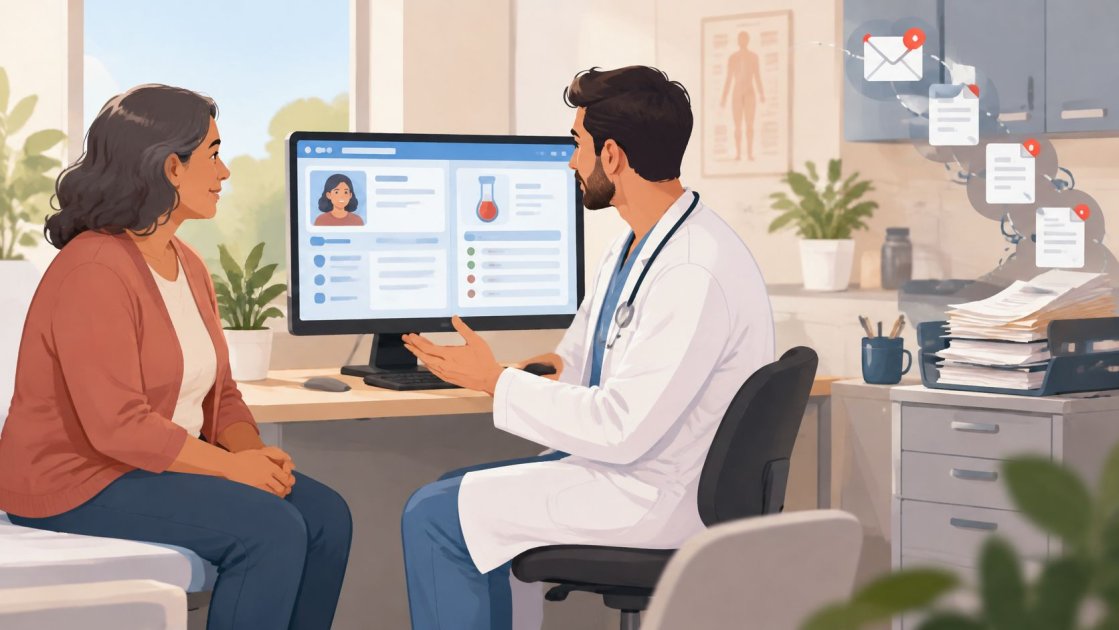
You're in a clinic room with the chart open, the patient talking, and the note still blank. The problem isn't lack of clinical skill. It's that the record has to be built while care is still happening, and that pulls attention away from the person in front of the clinician.
Medical scribing is the process of documenting a clinical encounter on behalf of a clinician while the clinician conducts the visit. In practice, that means capturing the conversation, structuring the note, and getting the record ready for review so the clinician can stay focused on assessment, communication, and decisions. The term now covers both a person in the room and a software pipeline on a phone or laptop.
A Quick Visit That Shows What a Scribe Does
A primary care clinician starts a routine follow-up, greets the patient, and asks about symptoms. Halfway through the visit, the clinician is trying to type, but the patient keeps adding details about sleep, medication use, and a new side effect. The visit is normal, but the charting load is already competing with the conversation.
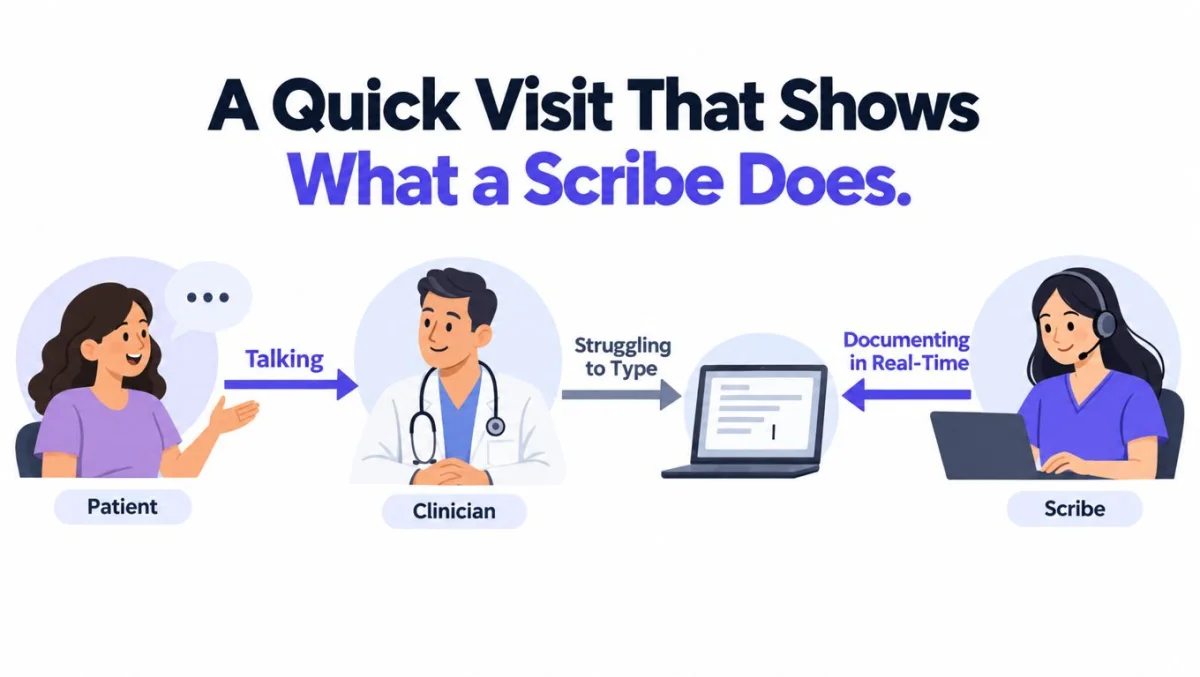
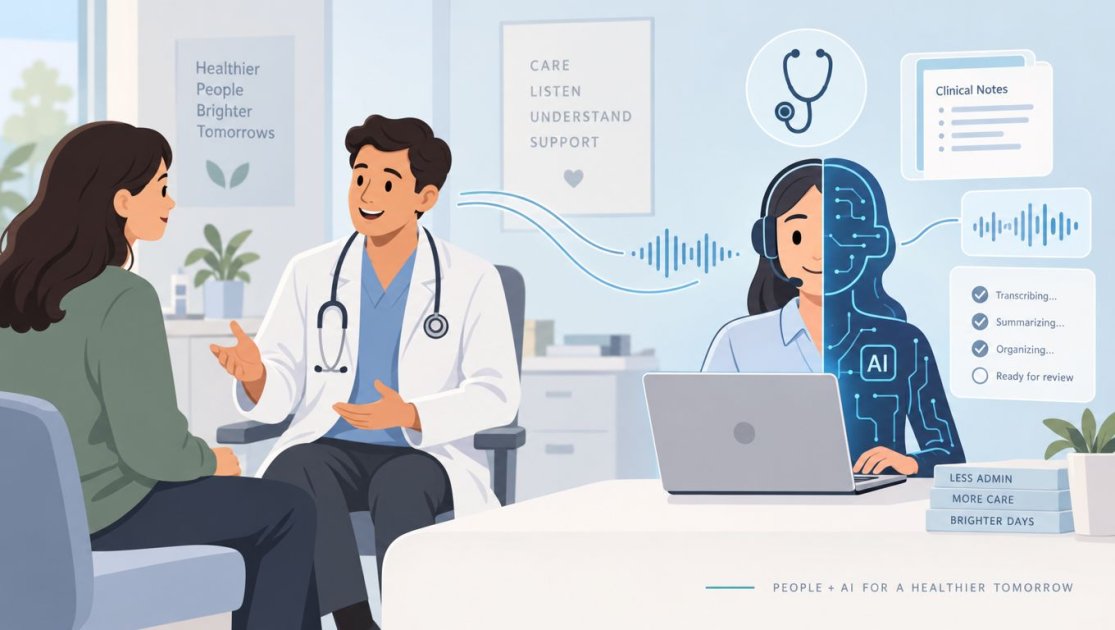
A medical scribe takes that encounter and turns it into a structured record while the clinician keeps leading care. In the traditional model, a human scribe listens, observes, and enters information into the EHR. In a digital model, software records or transcribes the encounter, separates speakers, and drafts the note for clinician review. The core idea is the same, documentation support without shifting clinical responsibility.
Why the role exists at all
The role sits apart from nursing or medical assistant work because it is centered on documentation, not hands-on care tasks. A scribe doesn't replace intake, vitals, or clinical judgment. The job is to turn the visit into a usable record without forcing the clinician to do all the typing in real time.
Practical rule: if the person or system is shaping the chart, the clinician still owns the chart.
That's why medical scribing matters in small practices as much as in larger settings. It changes who is writing, not who is accountable. The rest of this guide follows that line through workflow, technology, legal duties, and what a clinic should verify before adopting any scribe tool.
What a Medical Scribe Actually Does in the Room
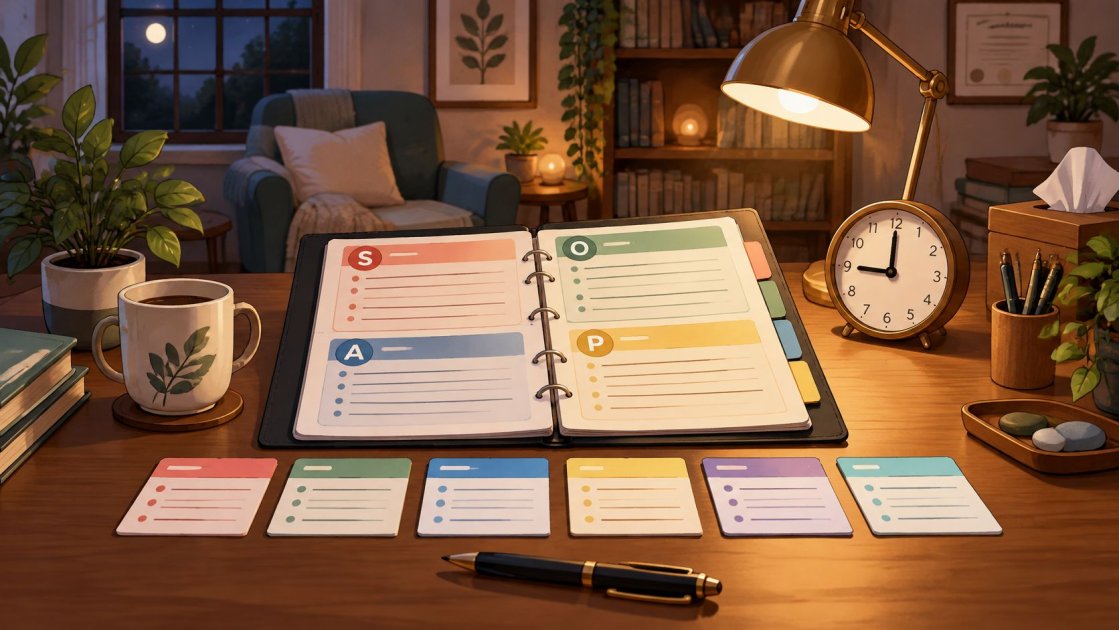
A scribe works inside a structure, not as a free-form note-taker. SOAP, which stands for Subjective, Objective, Assessment, and Plan, is the most familiar frame, and it helps explain why the role is more than transcription. The scribe is collecting clinical content and placing it where the clinician can review it fast.
What gets captured
A typical scribe records the history, examination findings, medical decision-making, orders, diagnoses, and follow-up actions. In a live visit, that often means tracking what the patient says, what the clinician observes, and what the clinician decides next. The result is a draft note that reflects the encounter in a standard clinical format.
The useful distinction is simple. A scribe can document that a patient reports pain, that an exam found tenderness, and that the clinician discussed rest and follow-up. The scribe should not decide whether the pain is musculoskeletal, inflammatory, or something else. That judgment stays with the clinician.
What the clinician still has to check
A clinician still has to verify identity, diagnoses, medications, allergies, examination findings, orders, follow-up tasks, and billing codes before signing the record. That review matters more when the encounter is noisy, long, multilingual, or clinically complex. A scribe can make omissions visible, but it can't make the clinician's signature optional.
The same logic applies to software-generated notes. Modern AI-assisted or ambient scribes draft notes from recorded or transcribed encounters, but the clinician remains responsible for accuracy, omissions, and final sign-off. That's the boundary that keeps the workflow safe and clinically usable.
The right question isn't whether the note was generated quickly. It's whether the clinician can trust the draft enough to review it efficiently.
Human Scribes and AI Scribes Compared
The two main models solve the same problem in different ways. A human scribe listens and documents. An AI or ambient scribe records, transcribes, separates speakers, and drafts the note for review. Both can reduce typing during the visit, but they differ in consistency, setup, and where the risk sits.
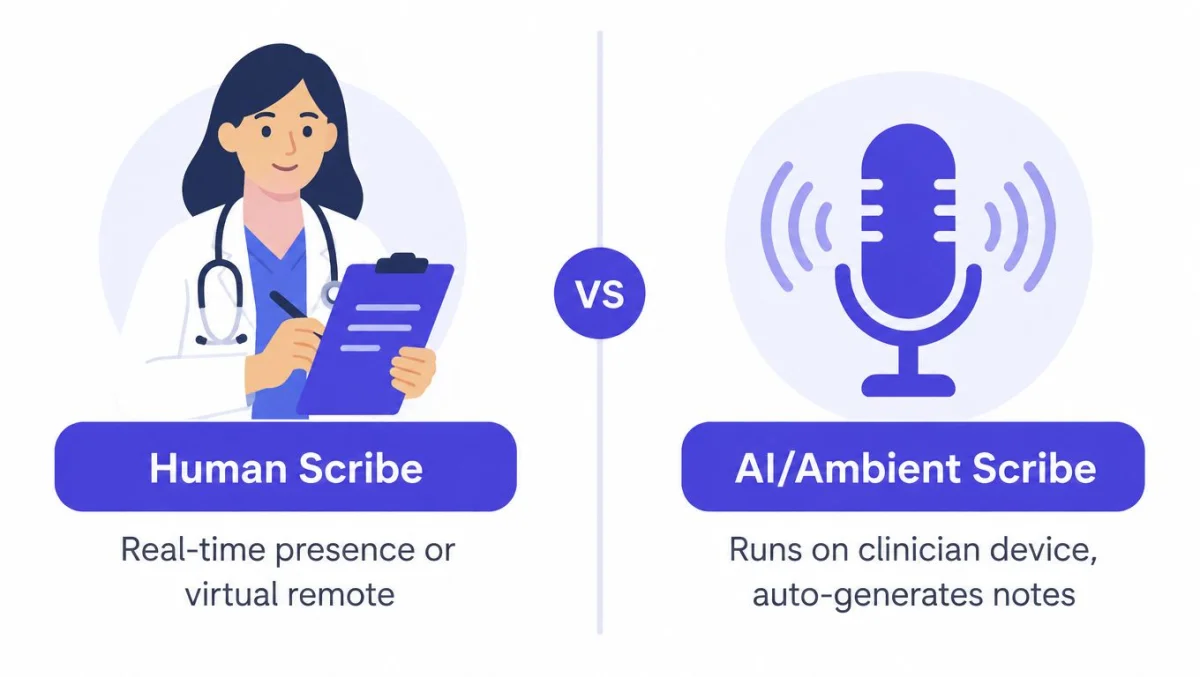
| Dimension | Human scribe | AI or ambient scribe |
|---|---|---|
| Who does the work | A person documents the encounter | Software drafts the note from audio and speech separation |
| Where it runs | In-person or remote workflow | On the clinician's device or connected workflow |
| Main strength | Flexible human judgment | Consistent drafting and faster setup |
| Common weakness | Training, staffing, and variability | Needs careful review for omissions and attribution |
| Who carries clinical responsibility | The clinician | The clinician |
In practical use, both models still depend on clinician review. A scribe can draft, organize, and route the note, but it can't take ownership of the clinical record. That's why even a well-designed AI workflow should preserve the original session, support section-by-section review, and leave the final decision with the treating clinician.
A useful way to think about configuration is through specialty fit. Some tools, including PatientNotes, offer templates across 37 specialties, plus an AI template builder that turns a dictation, chat, or uploaded document into a template. That matters because a psychiatry note, a dental procedure note, and a primary care follow-up do not need the same structure. PatientNotes also produces notes and tasks in the clinician's own language, which reduces rewriting when the practice works bilingually or serves multilingual patients.
For a broader look at workflow choices and note handling, a practical reference is manage customer reviews with AI, which shows how structured AI-assisted workflows can still leave review control in human hands. For pricing context, the page on AI scribe cost is useful when a practice is comparing per-seat software against human staffing.
Human scribe vs AI scribe at a glance
| Dimension | Human scribe | AI or ambient scribe |
|---|---|---|
| Real-time presence | In the room or remote | Listens during the visit |
| Note creation | Human writes the chart | Draft is generated automatically |
| Review burden | Usually lower on structure, higher on consistency needs | Usually lower on typing, higher on completeness review |
| Flexibility | High with a well-trained person | High when templates fit the specialty |
| Failure point | Staffing changes | Audio quality, attribution, and omissions |
What the Evidence Actually Shows About Time and Burnout
The strongest case for scribing is not theory. It's the time clinicians spend documenting instead of seeing patients or going home. In a peer-reviewed outpatient ophthalmology study, every physician had a statistically significant drop in documentation time when using a scribe, with average reductions ranging from 1.5 to 4.3 minutes per visit. A related analysis found mean total physician documentation time of 4.7 minutes for scribed visits versus 7.6 minutes for nonscribed visits, which is about 2.9 minutes, or 38%, per encounter, as reported in the study cited in the JAMA analysis. The JAMA study also found that scribe-using physicians were a minority of the physicians studied, which shows how uneven adoption still is across specialties and systems.
Time saved is real, but it isn't magic
The same evidence base shows that time gets redistributed, not erased. Some documentation still happens after the visit, and a scribe doesn't guarantee a universal productivity win. That's why vendor claims need to be read as workflow-specific, not as promises that every clinic will get the same result.
Burnout data points in the same direction. A broader documentation study of ambient AI scribes, summarized by Harvard, reported a 21.2-percentage-point absolute reduction in burnout prevalence at Mass General Brigham after 84 days, and Emory reported a 30.7-percentage-point improvement in documentation-related well-being at 60 days. Those are meaningful signals, but they come from health-system settings, not from every small practice.
Practical rule: if a vendor quotes burnout relief, ask whether the data came from your specialty, your visit type, and your practice size.
The American Medical Association has also described documentation, EHR work, and electronic messages as major administrative burdens, and it reported that physicians using an ambient AI scribe in one rollout saved about one hour per day at the keyboard, according to the AMA's health-systems writeup. The AMA's documentation burden overview is useful for understanding why the market exists, but it doesn't mean every clinician should expect the same savings.
The practical takeaway is modest and useful. Scribing can reduce documentation time, late-note work, and the feeling of dragging charts home. It can also fall short if the practice has poor templates, awkward workflows, or low review discipline. For a more direct look at the clinic-side burden, documentation and physician burnout is a relevant internal resource.
HIPAA, Business Associate Agreements, and Patient Consent
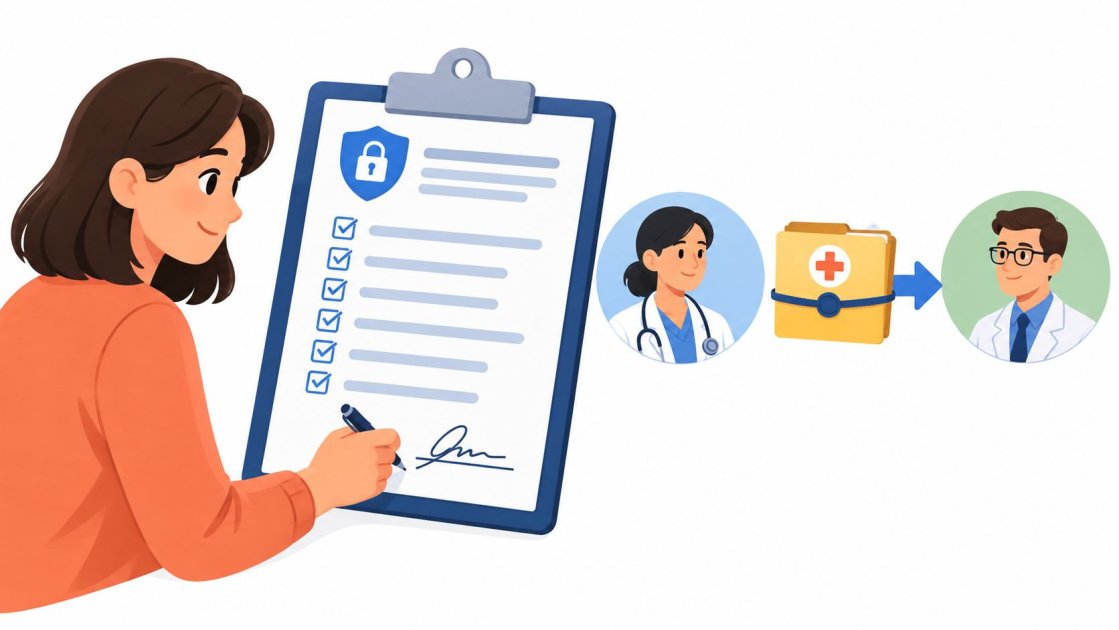
A scribe tool touches protected information as soon as it creates, receives, maintains, or transmits electronic protected health information for a covered entity. That makes the vendor part of the PHI workflow, not just a neutral recorder. Under HHS guidance, a covered entity may allow a business associate to handle electronic protected health information only with satisfactory assurances, and those assurances belong in a Business Associate Agreement. HHS also states that using a cloud service provider to maintain electronic protected health information without a BAA violates the HIPAA Rules. HHS guidance on HIPAA security and business associates is the primary place to verify that point.
What to verify before any patient encounter is recorded
A small practice should ask four direct questions. Is there a signed BAA. Are security incidents and breaches reportable. Are subcontractors covered. Is the vendor handling PHI inside a compliant workflow, or just claiming it is “HIPAA ready”?
That question matters because recording audio is not the same as being compliant by default. A tool may capture an encounter, but the compliance status depends on the contract, the safeguards, and the operational handling of the data. If the vendor stores audio, the practice also needs to understand retention, access, and deletion.
Patient consent adds a separate layer. In all-party-consent jurisdictions, the patient must be informed and explicitly agree to recording. In the UK, GDPR and UK GDPR bring their own obligations around lawful basis, transparency, and data handling, so a HIPAA claim alone doesn't solve the legal question. A small practice needs to treat those rules as separate gates, not one blended approval.
For another practical view on the BAA question, HIPAA BAA requirements is a relevant internal explainer. And for clinicians comparing domestic and cross-border digital workflows, a French reference like équiper le domicile en 2026 is useful context for how different regions think about documentation tools and compliance boundaries, even when the care setting is different.
Coding suggestions are not final billing decisions
AI scribes can suggest ICD-10, CPT, and CDT codes, but those are still suggestions. CMS explains that HCPCS is a national medical code set for processing claims, that CPT is part of HCPCS Level I, and that CMS maintains HCPCS Level II. CMS coding overview is the right source for that distinction. The clinician or billing professional still has to confirm that the documentation supports the code and that the code set applies to the payer and jurisdiction.
How a Scribe Changes a Real Clinic Day
The workflow changes before the first patient walks in. A clinician or staff member opens the session, checks the template, and starts recording. If the connection is poor, a phone-based workflow can keep recording offline and sync later, which is useful in rooms where signal drops or Wi‑Fi is unstable.
During the visit, the clinician talks normally and the scribe captures the encounter in the background. In a telehealth call, the same logic applies, except the quality of the final note depends even more on the audio and how clearly each speaker is separated. After the visit, the structured note appears for review, not as a finished judgment but as a draft to check line by line.
Where the time savings show up
The biggest gain is often in the handoff from visit to chart. Instead of reconstructing what was said after the patient leaves, the clinician reviews a draft that already contains the encounter structure, the follow-up tasks, and any code suggestions that need checking. That review can be faster than writing from scratch, but only if the note is organized in a format the clinician already uses.
For practices without a direct EHR integration, the realistic path is still copy and paste. One UK-based option, PatientNotes, integrates directly with Semble, while every other EHR works by copy and paste. That's not glamorous, but it's often the setup that smaller practices live with.
The archive matters too. If a later correction is needed, the practice should be able to restore an earlier session instead of starting over from memory. That is one of the operational details small clinics often underestimate, along with role-based access, follow-up task capture, and how much chart cleanup happens after the note is drafted.
Practical rule: test the whole loop, from recording to review to EHR entry, on a real visit before assuming the workflow will feel smooth every day.
The end result is less about automation replacing judgment and more about moving clerical work earlier, while the encounter is still fresh. That's the point where a scribe helps, because the note begins as a draft and ends as a clinician-approved record.
Misconceptions Worth Correcting Before You Buy
A scribe is not a clinician. It doesn't diagnose, it doesn't independently interpret findings, and it doesn't share clinical liability. That responsibility stays with the treating professional, even if the draft was assembled by software or by a person working in the background.
Another common mistake is assuming faster notes automatically mean better care. The evidence doesn't support that leap. Time saved in documentation can improve workflow and well-being, but it doesn't prove better diagnostic accuracy or safer care on its own.
HIPAA-ready and HIPAA-compliant are not the same thing. A vendor can say the right words and still need a signed BAA before it can be used with PHI. The same caution applies to recording consent, especially in all-party-consent settings and in the UK and EU where GDPR obligations also apply.
There's also a billing trap. Suggesting ICD-10, CPT, or CDT codes is not the same as making a validated billing decision. A code suggestion is only useful if the clinician or billing professional confirms the chart supports it.
Finally, a tool that works neatly in a browser demo may still fail in a real clinic room with poor signal. And there's no reason to assume the clinician-friendly option comes as a browser add-on. The right test is whether the workflow survives real audio, real interruptions, and real review time.
A Short Checklist Before You Adopt a Scribe
Before signing anything, verify four things. First, make sure a signed BAA is in place and that HIPAA, GDPR, and UK GDPR obligations are covered where relevant. Second, confirm the tool preserves the original session, identifies speakers, and supports section-by-section review instead of overwriting the clinician's judgment.
Third, check that the templates fit the clinician's specialty and language. Fourth, make sure pricing is transparent per seat, with a trial and a money-back window, not only a custom enterprise contract. Medical scribing works best when it is treated as a clinician-supervised documentation process, not as autonomous charting.
If a practice wants a clear draft-and-review workflow without a sales call, PatientNotes is built for individual clinicians and small practices, with templates, review, and note generation designed around that model. Visit PatientNotes to see how the workflow fits a small clinic's day and whether it matches the way the team documents.